
Only users with the task to view sensitive data can access the full token number.
To view the token:
- From the OPERA Cloud menu, select Bookings, select Reservations, and then click Manage Reservation.
- Search for and open the reservation.
- Click I Want To… and select Payment Instructions.
- Click New/Edit Payment Instructions .
Click information icon (
 ) next to the Card Number to view the full token.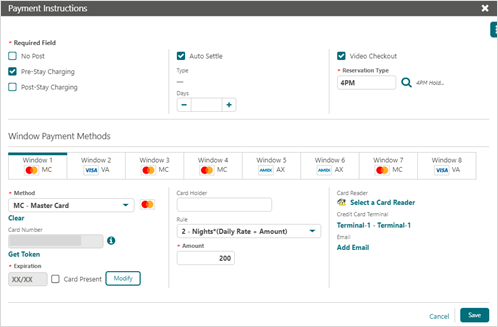
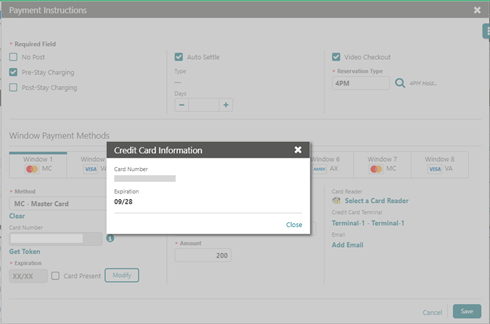
The Token Number appears in the Credit Card Information window as shown in the image below.
Comments
0 comments
Article is closed for comments.